

Separate a side-by-side book scan into reading pages
A landscape scan contains a left page and a right page.
Open Split pages in half →Follow these steps
- Choose the supported source file or files from your device.
- Open the PDF and inspect whether the content is arranged in left and right halves.
- Export two halves per source page and check their reading order.
The document and the intended outcome
A landscape scan contains a left page and a right page. Split each source page into two visible halves, then inspect the resulting reading order and centre boundary.
Make this example work for your file
For a scanned open book, check both the left and right halves of the first spread. A centre gutter can conceal text; dividing the page does not recover words missing from the photograph.
Choose only the settings this case needs
Check rotation and CropBox before choosing this operation. For uneven halves, a separate crop may be more suitable than assuming the centre of the PDF is the book gutter.
When the example needs a different approach
Inspect source orientation and the first pair. Rotate the source appropriately and repeat a short trial before splitting a long book scan.
A checked example you can try
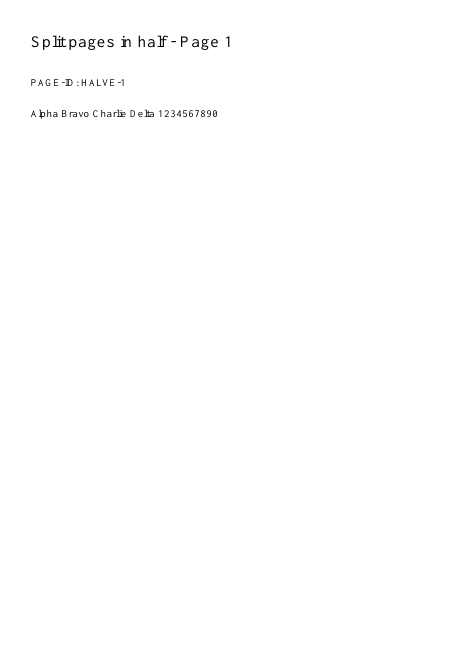
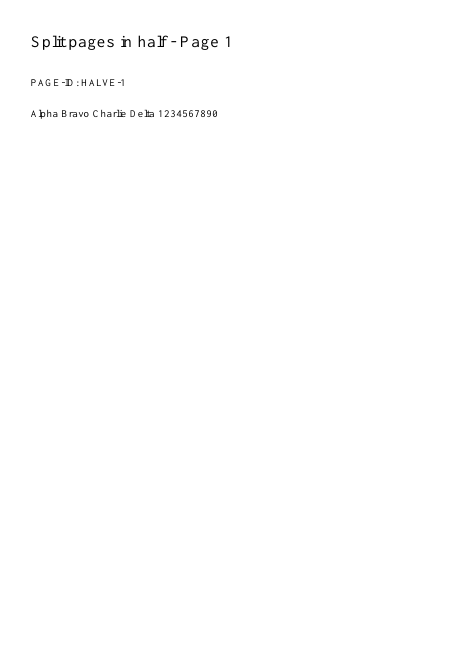
Six inputs become twelve half-page views.
Settings used in this engine check
- quality
- compact
- angle
- 90
- margin
- 20
- start
- 1
- columns
- 2
Check the result
Cropping hides content outside boundaries; it is not secure removal.
Keep the original. When this task produces a file, reopen the download in the application where you will use it and inspect the affected pages. An illustration explains the operation; it is not a recorded processing test.
Practical tips
- Check rotation and CropBox before choosing this operation. For uneven halves, a separate crop may be more suitable than assuming the centre of the PDF is the book gutter.
- The source halves may be unequal or the scan may be tilted. Correct the scan first or use a deliberate crop instead of accepting clipped text.
- Inspect source orientation and the first pair. Rotate the source appropriately and repeat a short trial before splitting a long book scan.
Questions
Words are cut at the centre?
The source halves may be unequal or the scan may be tilted. Correct the scan first or use a deliberate crop instead of accepting clipped text.
The halves appear in an unexpected order?
Inspect source orientation and the first pair. Rotate the source appropriately and repeat a short trial before splitting a long book scan.
What is this tool useful for?
Separate side-by-side scans for easier reading.
What should I check in the result?
Cropping hides content outside boundaries; it is not secure removal.