

Extract selected invoices from a longer PDF
A six-page batch contains needed invoices at positions 1, 3 and 4.
Open Split PDF →Follow these steps
- Open the source PDF and review its page thumbnails.
- Enter the required pages or ranges, for example 1, 3–5. Use the displayed page count to check your selection.
- Export the selected pages, reopen the result and confirm that it contains only the pages you need.
The document and the intended outcome
A six-page batch contains needed invoices at positions 1, 3 and 4. Enter 1, 3–4, choose one combined PDF or separate files, then check the retained pages.
Make this example work for your file
For a single invoice, confirm whether supporting pages belong to that invoice before choosing a range. Printed numbering can restart inside a source; use PDF positions rather than the number in its footer.
Choose only the settings this case needs
Choose the output mode deliberately: one PDF, a PDF for each selected page, or semicolon-separated groups in a ZIP. Keep grouping separate from page-selection syntax.
When the example needs a different approach
A separate-page or grouped output mode creates an archive. Extract it and open the PDFs inside, or choose one-PDF output.
A checked example you can try
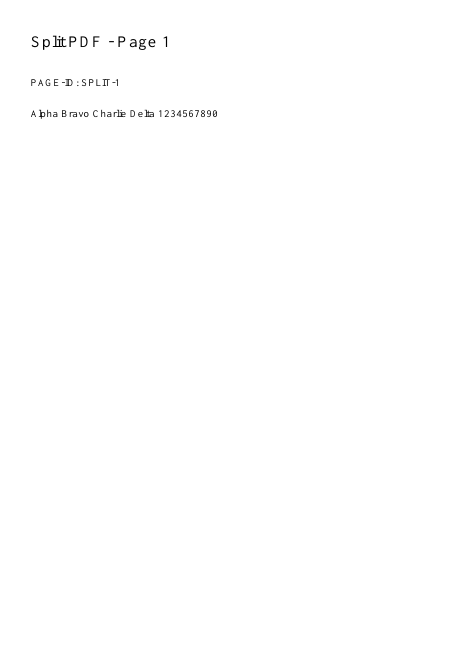
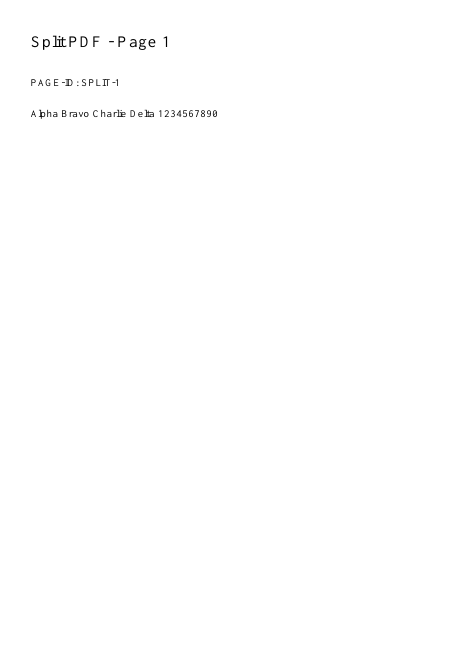
Only positions one and three remain.
Settings used in this engine check
- range
- 1,3
- quality
- compact
- angle
- 90
- margin
- 20
- start
- 1
- columns
- 2
Check the result
Page numbers refer to positions in the file, which may differ from numbers printed on the pages. Extracting pages does not redact sensitive content within a retained page.
Keep the original. When this task produces a file, reopen the download in the application where you will use it and inspect the affected pages. An illustration explains the operation; it is not a recorded processing test.
Practical tips
- Choose the output mode deliberately: one PDF, a PDF for each selected page, or semicolon-separated groups in a ZIP. Keep grouping separate from page-selection syntax.
- Count from the first physical PDF page, including covers. Compare thumbnail positions before repeating the action.
- A separate-page or grouped output mode creates an archive. Extract it and open the PDFs inside, or choose one-PDF output.
Questions
The wrong pages are extracted?
Count from the first physical PDF page, including covers. Compare thumbnail positions before repeating the action.
The download is a ZIP rather than a PDF?
A separate-page or grouped output mode creates an archive. Extract it and open the PDFs inside, or choose one-PDF output.
Will the original PDF change?
No. Export creates a separate result. Keep your original as a backup.
Can I remove sensitive text this way?
Only whole excluded pages are omitted. Use Redact for sensitive regions on pages you retain.