

Set a preferred two-column PDF reading layout
A publication is intended for side-by-side viewing in a desktop reader.
Open Reading layout preference →Follow these steps
- Choose the supported source file or files from your device.
- Choose the available single-page or two-column reader preference.
- Export and open the PDF in your preferred reader.
The document and the intended outcome
A publication is intended for side-by-side viewing in a desktop reader. Set two-column preference, export and test it in the application where the recipient will open it.
Make this example work for your file
For a booklet, test the requested preference in the recipient’s usual reader. Some readers ignore document layout preferences or substitute their own setting; retain a sensible single-page document order.
Choose only the settings this case needs
Choose single-page or two-column layout directly in the tool. For an actual printable two-up sheet, use Pages per sheet instead.
When the example needs a different approach
Print layout is a different decision. Use a print dialog with multiple pages per sheet or create a new n-up PDF.
A checked example you can try
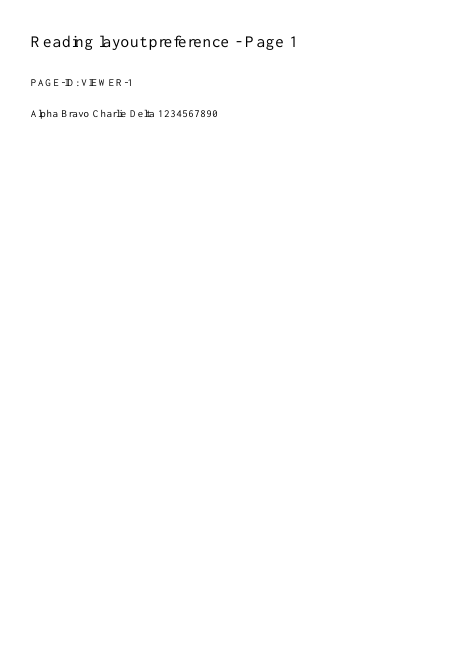
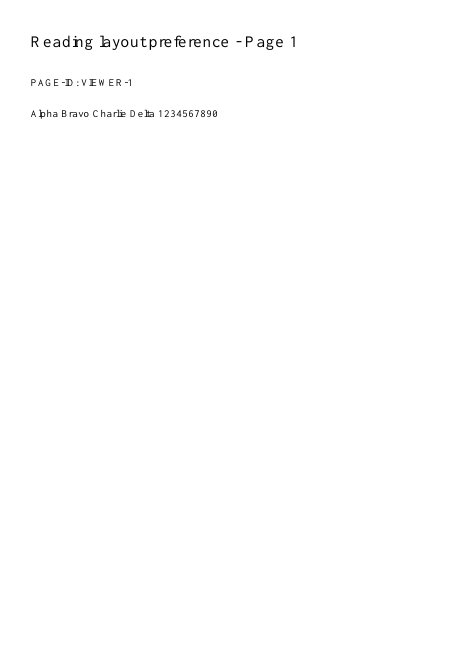
PDF catalog requests TwoColumnLeft viewing.
Settings used in this engine check
- quality
- compact
- angle
- 90
- margin
- 20
- start
- 1
- columns
- 2
Check the result
This sets a viewer preference, not a permanent redesign. Readers may ignore it.
Keep the original. When this task produces a file, reopen the download in the application where you will use it and inspect the affected pages. An illustration explains the operation; it is not a recorded processing test.
Practical tips
- Choose single-page or two-column layout directly in the tool. For an actual printable two-up sheet, use Pages per sheet instead.
- The receiving reader may ignore PageLayout. Check its own view settings; identical page content is expected because the tool changes preference rather than geometry.
- Print layout is a different decision. Use a print dialog with multiple pages per sheet or create a new n-up PDF.
Questions
The exported file still opens as one page?
The receiving reader may ignore PageLayout. Check its own view settings; identical page content is expected because the tool changes preference rather than geometry.
Printing still uses one page per sheet?
Print layout is a different decision. Use a print dialog with multiple pages per sheet or create a new n-up PDF.
What is this tool useful for?
Set a preferred reading layout for a document.
What should I check in the result?
This sets a viewer preference, not a permanent redesign. Readers may ignore it.