

Resize to A4: common problems and how to fix them
Resolve content is tiny with large margins and edges are clipped. Understand the limits before retrying.
Open Resize to A4 →Follow these steps
- Choose the supported source file or files from your device.
- Inspect the page orientations before fitting them to A4.
- Export and check margins and scaling on mixed-size pages.
Content is tiny with large margins
A very wide source may need landscape orientation or a different fit strategy. Inspect its readable text size rather than only the A4 page dimensions.
Edges are clipped
Review fill versus fit behaviour and the source bounds. Use a fit setting when preserving all visible content is the priority.
Check whether this is the right operation
Resizing can scale and position a source page on a new sheet. It is different from changing a crop boundary or merely rotating the original page.
A more useful retry
For an A4 submission, check whether the recipient needs an actual A4 page or merely an A4 print setting. Resize creates new page geometry; a print dialog can scale a document without changing the file.
A checked example you can try
Output has A4 page width.
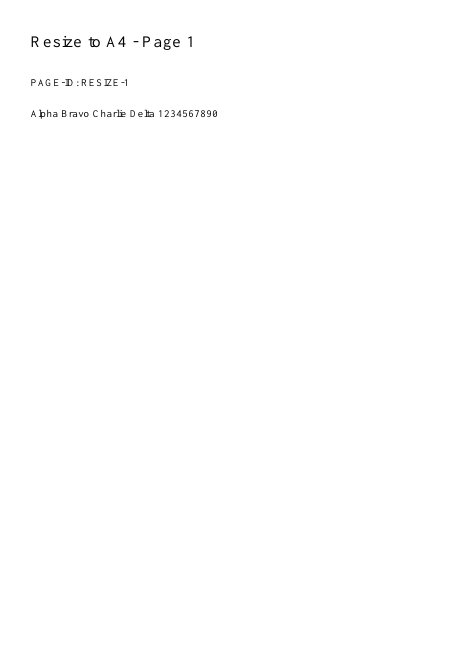

Settings used in this engine check
- quality
- compact
- angle
- 90
- margin
- 20
- start
- 1
- columns
- 2
Check the result
Scaling may make small text harder to read. It does not reflow paragraphs.
Keep the original. When this task produces a file, reopen the download in the application where you will use it and inspect the affected pages. An illustration explains the operation; it is not a recorded processing test.
Practical tips
- Choose A4, orientation and the available fit behaviour deliberately. Use the range control for a subset when supported; compare both a portrait and a landscape source.
- A very wide source may need landscape orientation or a different fit strategy. Inspect its readable text size rather than only the A4 page dimensions.
- Review fill versus fit behaviour and the source bounds. Use a fit setting when preserving all visible content is the priority.
Questions
Content is tiny with large margins?
A very wide source may need landscape orientation or a different fit strategy. Inspect its readable text size rather than only the A4 page dimensions.
Edges are clipped?
Review fill versus fit behaviour and the source bounds. Use a fit setting when preserving all visible content is the priority.
What is this tool useful for?
Prepare a document for standard A4 printing.
What should I check in the result?
Scaling may make small text harder to read. It does not reflow paragraphs.