

Fit a mixed-size document onto A4 pages
A pack includes US Letter and smaller pages but must print on A4.
Open Resize to A4 →Follow these steps
- Choose the supported source file or files from your device.
- Inspect the page orientations before fitting them to A4.
- Export and check margins and scaling on mixed-size pages.
The document and the intended outcome
A pack includes US Letter and smaller pages but must print on A4. Select the target size, review orientation and fit mode, then inspect page dimensions and content placement.
Make this example work for your file
For an A4 submission, check whether the recipient needs an actual A4 page or merely an A4 print setting. Resize creates new page geometry; a print dialog can scale a document without changing the file.
Choose only the settings this case needs
Choose A4, orientation and the available fit behaviour deliberately. Use the range control for a subset when supported; compare both a portrait and a landscape source.
When the example needs a different approach
Review fill versus fit behaviour and the source bounds. Use a fit setting when preserving all visible content is the priority.
A checked example you can try
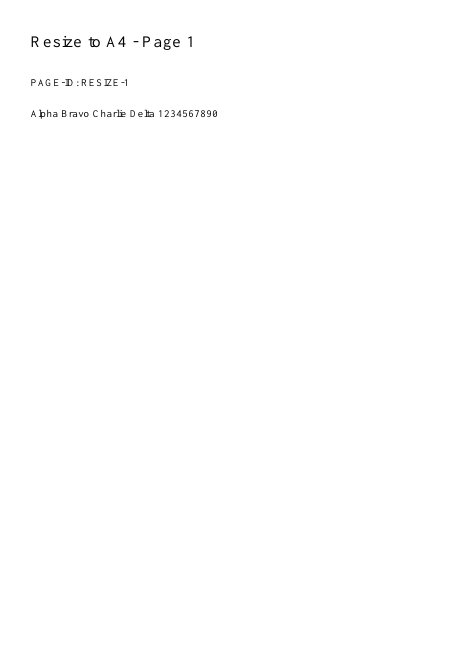
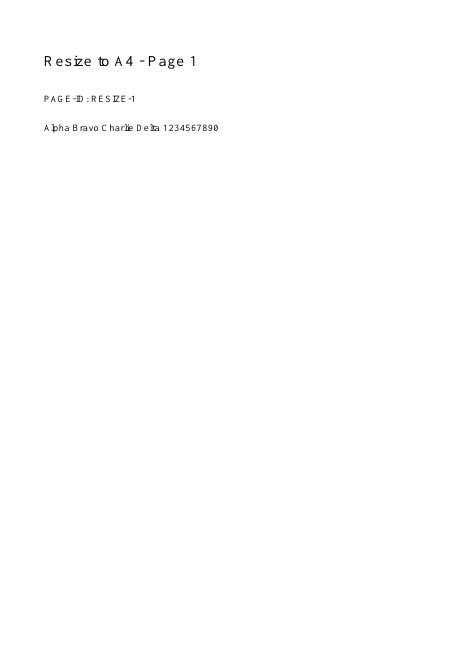
Output has A4 page width.
Settings used in this engine check
- quality
- compact
- angle
- 90
- margin
- 20
- start
- 1
- columns
- 2
Check the result
Scaling may make small text harder to read. It does not reflow paragraphs.
Keep the original. When this task produces a file, reopen the download in the application where you will use it and inspect the affected pages. An illustration explains the operation; it is not a recorded processing test.
Practical tips
- Choose A4, orientation and the available fit behaviour deliberately. Use the range control for a subset when supported; compare both a portrait and a landscape source.
- A very wide source may need landscape orientation or a different fit strategy. Inspect its readable text size rather than only the A4 page dimensions.
- Review fill versus fit behaviour and the source bounds. Use a fit setting when preserving all visible content is the priority.
Questions
Content is tiny with large margins?
A very wide source may need landscape orientation or a different fit strategy. Inspect its readable text size rather than only the A4 page dimensions.
Edges are clipped?
Review fill versus fit behaviour and the source bounds. Use a fit setting when preserving all visible content is the priority.
What is this tool useful for?
Prepare a document for standard A4 printing.
What should I check in the result?
Scaling may make small text harder to read. It does not reflow paragraphs.