

Remove PDF links: common problems and how to fix them
Resolve a web address is still clickable and the url text is still visible. Understand the limits before retrying.
Open Remove PDF links →Follow these steps
- Open the original single PDF.
- Export a copy without page Link annotations.
- Check that visible text and form fields still appear.
A web address is still clickable
The reader may auto-detect URLs. Try disabling that reader feature or inspect annotation objects before concluding that explicit link removal failed.
The URL text is still visible
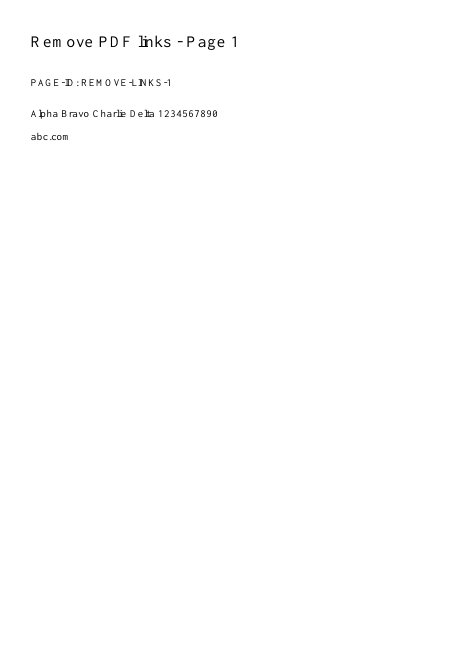
That is expected. Use a genuine text edit or redaction when the address itself must be removed; removing interaction does not remove the address.
Check whether this is the right operation
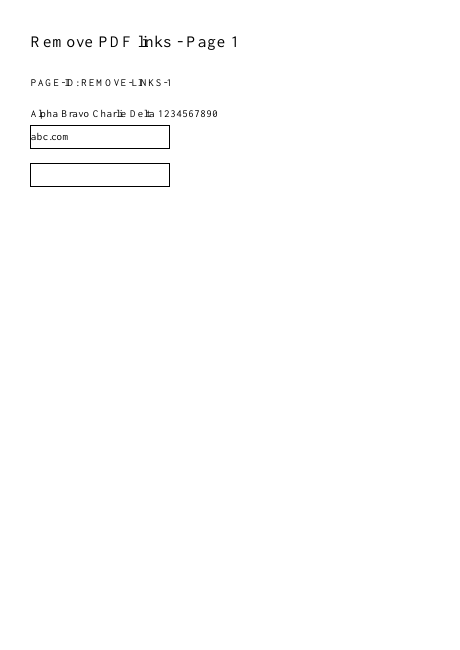
A Link annotation makes an area interactive. The visible letters beneath it are separate page content, and some readers automatically recognize addresses even without an annotation.
A more useful retry
For a handout, removal should leave the printed address readable when it forms part of the explanation. If the address itself is private, link removal is insufficient; use a content-removal workflow instead.
A checked example you can try
Explicit page link annotations are absent.
Settings used in this engine check
- quality
- compact
- angle
- 90
- margin
- 20
- start
- 1
- columns
- 2
Check the result
Visible URL text, bookmarks, comments and forms remain. This does not remove scripts or securely sanitize a document.
Keep the original. When this task produces a file, reopen the download in the application where you will use it and inspect the affected pages. An illustration explains the operation; it is not a recorded processing test.
Practical tips
- Use an original single PDF. Check an explicit external link and an internal page link in a reader that exposes annotations; do not judge only by blue text.
- The reader may auto-detect URLs. Try disabling that reader feature or inspect annotation objects before concluding that explicit link removal failed.
- That is expected. Use a genuine text edit or redaction when the address itself must be removed; removing interaction does not remove the address.
Questions
A web address is still clickable?
The reader may auto-detect URLs. Try disabling that reader feature or inspect annotation objects before concluding that explicit link removal failed.
The URL text is still visible?
That is expected. Use a genuine text edit or redaction when the address itself must be removed; removing interaction does not remove the address.