

Fix booklet printing: page order, blanks and upside-down backs
Use the sheet plan to separate expected booklet imposition from a printer orientation problem.
Open PDF Fold Lab →Follow these steps
- Open one PDF and choose Folded booklet or Four cut-out cards.
- Enter optional source page ranges such as 1, 3-5. For a booklet, review the front/back sheet plan; zero positions are shown as blanks.
- Press Create print PDF and Download PDF. Print a test sheet at 100%; use landscape short-edge duplex for the booklet, then stack and fold.
Expected blanks do not mean pages are missing
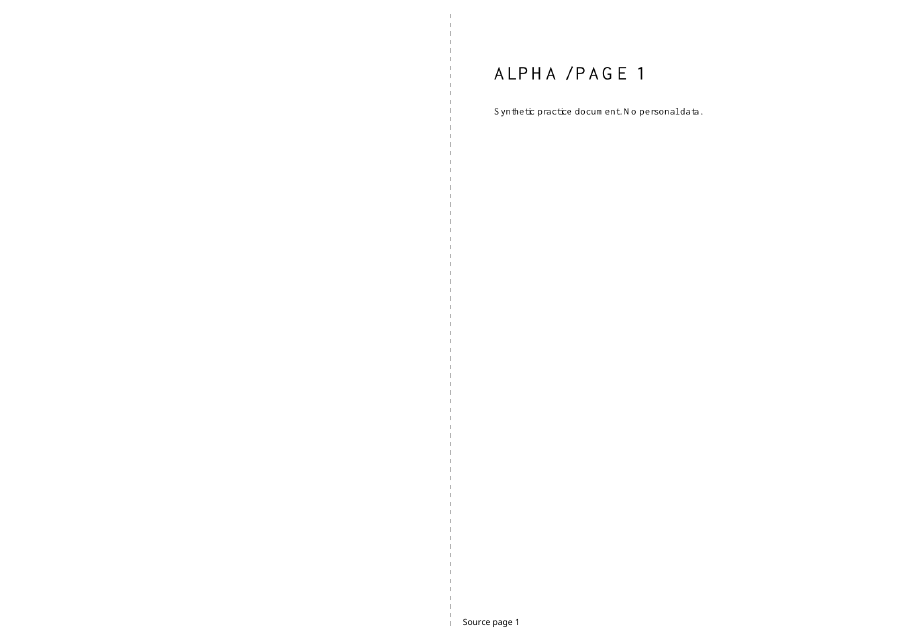
Booklets need a multiple of four page positions. Six source pages therefore use eight positions, with two blanks. The visible sheet plan shows where these occur. Source ranges are collected in the order entered, and the sheet-plan numbers refer to that selected sequence.
Avoid a second booklet transformation
The downloaded PDF is already imposed. Do not choose another booklet mode in a printer driver, because it will rearrange the pages again. Print it as ordinary A4 landscape sheets, at actual size, duplex short-edge. If your printer has no duplex support, run a small manual front/back test before handling a full stack.
Keep your workflow focused
Upload only the documents required for this task. Files are processed in this browser, and the original documents are not overwritten. Download the result before closing the tab. These dedicated workspaces do not automatically import unsaved changes from another PDF Studio tool.
If a document is protected, use Remove password with a password you know before opening it here. Large or complex pages can require substantial memory. The workspace accepts PDFs under 50 MB each, at most 12 files, and bounded page counts; split an unusually large document first.
A checked example you can try
Six Alpha pages produced four landscape output pages, using two duplex sheets and two padded blanks. The printed fold itself needs your printer check.
Settings used in this engine check
- layout
- fold-lab
PDF Fold Lab, in four moments
Open your pages
Open one PDF and choose Folded booklet or Four cut-out cards.
An illustrated walkthrough, not a processing test. Reduced motion is on; choose each moment manually.
Check the result
Reopen the downloaded PDF. Check page count, readable content and front/back alignment on a test print.
Keep the original. When this task produces a file, reopen the download in the application where you will use it and inspect the affected pages. An illustration explains the operation; it is not a recorded processing test.
Practical tips
- Keep the originals and use a descriptive filename for the exported copy.
- The downloaded PDF is already imposed. Do not choose another booklet mode in a printer driver, because it will rearrange the pages again. Print it as ordinary A4 landscape sheets, at actual size, duplex short-edge. If your printer has no duplex support, run a small manual front/back test before handling a full stack.
Questions
Will my original files change?
No. Download a separate result. The source files remain unchanged.
Do the files leave my device?
No document upload is used. PDF processing runs in your browser.
What should I check before sharing?
Print layouts contain page images, so selectable text, links and form fields do not survive. A4 paper and a short-edge duplex test are required for the booklet. No printer setting is controlled automatically.