

Trim white scanner borders without cutting the text
A scanned handout has large white edges.
Open Crop margins →Follow these steps
- Choose the supported source file or files from your device.
- Choose the margin to trim and inspect content near every edge.
- Export and check that useful text is not clipped.
The document and the intended outcome
A scanned handout has large white edges. Start with small top, right, bottom and left margins, inspect the tightest page and export only when every line remains visible.
Make this example work for your file
For white scanner borders, inspect pages with writing closest to each edge. Leave enough space for notes, signatures and stamps. The tightest page, rather than the neatest one, should guide a shared crop setting.
Choose only the settings this case needs
Margins use points rather than percentages. Check mixed page sizes individually before applying one set of values to the whole file; leave room around page numbers and stamps.
When the example needs a different approach
Changing a boundary does not necessarily discard the underlying data. Use compression for size reduction and redaction for genuine content removal.
A checked example you can try
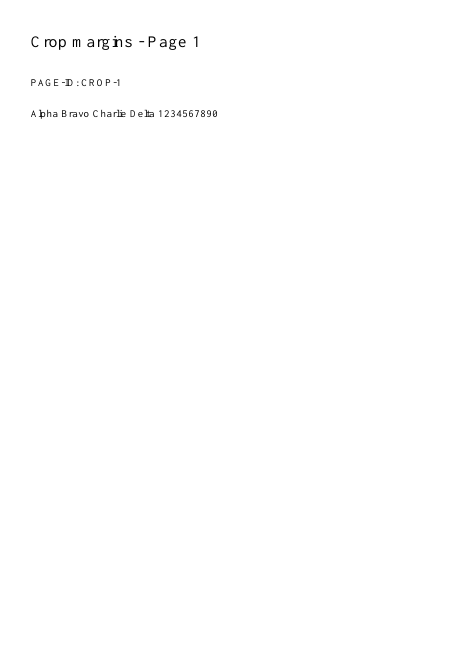
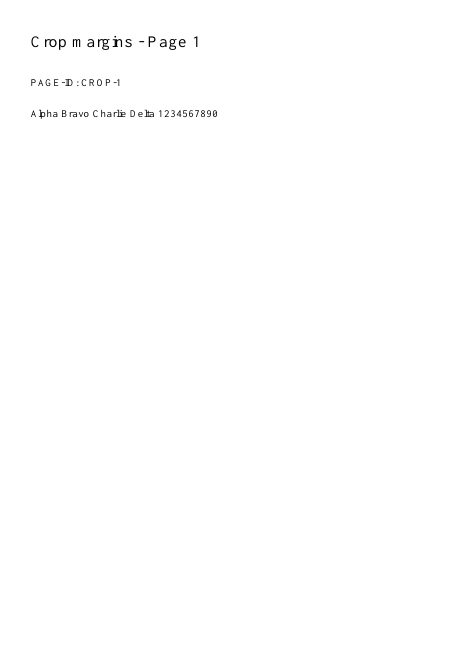
The crop boundary is narrower than the original page.
Settings used in this engine check
- quality
- compact
- angle
- 90
- margin
- 20
- start
- 1
- columns
- 2
Check the result
Crop boundaries hide content; they do not securely erase it. Use Redact for sensitive regions.
Keep the original. When this task produces a file, reopen the download in the application where you will use it and inspect the affected pages. An illustration explains the operation; it is not a recorded processing test.
Practical tips
- Margins use points rather than percentages. Check mixed page sizes individually before applying one set of values to the whole file; leave room around page numbers and stamps.
- Reduce the relevant crop margin and inspect the original. A margin that suits one page can clip another page with a different layout.
- Changing a boundary does not necessarily discard the underlying data. Use compression for size reduction and redaction for genuine content removal.
Questions
Content disappears at an edge?
Reduce the relevant crop margin and inspect the original. A margin that suits one page can clip another page with a different layout.
The file is not much smaller?
Changing a boundary does not necessarily discard the underlying data. Use compression for size reduction and redaction for genuine content removal.
What is this tool useful for?
Reduce unwanted white borders around a document.
What should I check in the result?
Crop boundaries hide content; they do not securely erase it. Use Redact for sensitive regions.