

Prepare a readable PDF for an upload-size limit
A portal accepts a 500 KB attachment.
Open Compress PDF →Follow these steps
- Open your PDF and note its original size.
- Choose compact mode to retain PDF text and links, or an image-based quality option when those features are less important.
- Process the file, compare the sizes and inspect small text and images before downloading.
The document and the intended outcome
A portal accepts a 500 KB attachment. Note the source size, begin with a structure-preserving method, then try stronger image options only if necessary and inspect the exact result size.
Make this example work for your file
For a portal attachment, check the portal’s unit and limit before choosing a target. Inspect the smallest important text after compression. If an acceptable reading copy cannot fit, ask whether the portal permits separate files.
Choose only the settings this case needs
Compare the reported bytes with the portal limit and inspect small print. Try a short document first on a phone; extra DPI or a quality slider does not guarantee a smaller file.
When the example needs a different approach
A numeric target does not prove usability. Compare names, dates and small print at normal reading size; use a less aggressive method or split the submission if permitted.
A checked example you can try
All six source pages remain readable in the parsed output.
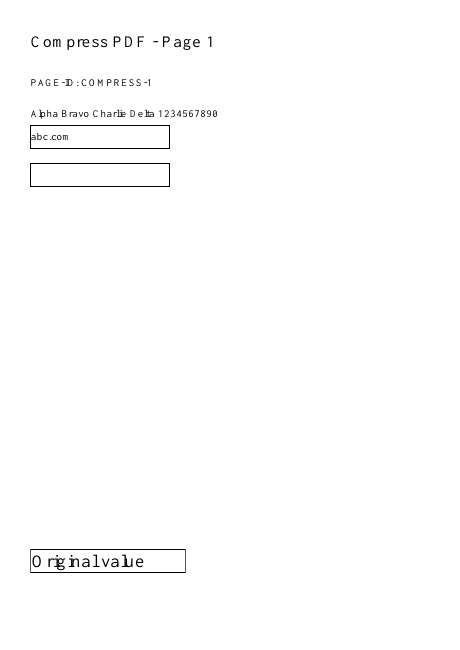
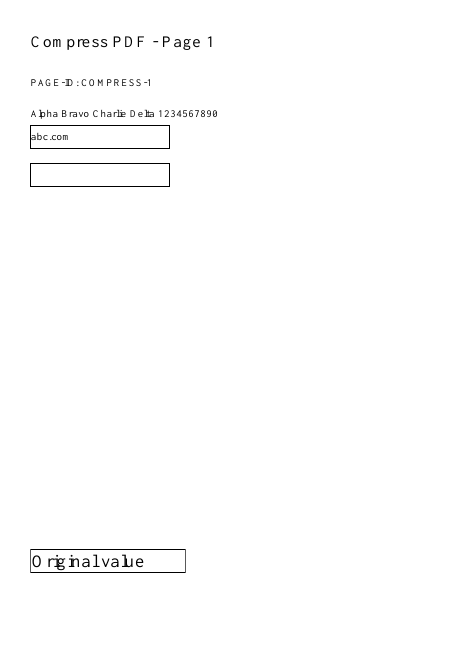
Settings used in this engine check
- quality
- compact
- angle
- 90
- margin
- 20
- start
- 1
- columns
- 2
Check the result
Image-based modes rebuild pages and can remove selectable text, links and forms. Check readability at normal zoom. Keep the original if the result is larger or the quality is insufficient.
Keep the original. When this task produces a file, reopen the download in the application where you will use it and inspect the affected pages. An illustration explains the operation; it is not a recorded processing test.
Practical tips
- Compare the reported bytes with the portal limit and inspect small print. Try a short document first on a phone; extra DPI or a quality slider does not guarantee a smaller file.
- The source may already be compact, or its data may not match a supported optimization. Keep the original when the result offers no useful reduction.
- A numeric target does not prove usability. Compare names, dates and small print at normal reading size; use a less aggressive method or split the submission if permitted.
Questions
The result is not smaller?
The source may already be compact, or its data may not match a supported optimization. Keep the original when the result offers no useful reduction.
The file meets the limit but looks poor?
A numeric target does not prove usability. Compare names, dates and small print at normal reading size; use a less aggressive method or split the submission if permitted.
Is compression lossless?
Compact mode retains PDF content. JPEG optimization keeps document structure but reduces supported image quality. Whole-page image modes can lose text, links and forms.
Why is the result not smaller?
The source may already be optimized. Reduction depends on its content and the selected mode.