

Label a review PDF as a draft
A report is ready for review but not final release.
Open Add watermark →Follow these steps
- Choose the supported source file or files from your device.
- Enter the watermark text and inspect its placement.
- Export and check readability on pages with different orientations.
The document and the intended outcome
A report is ready for review but not final release. Add DRAFT with an unobtrusive angle and opacity, inspect a dense page and export the labelled copy.
Make this example work for your file
For a draft pack, place the label where it remains visible without masking numbers or signatures. The watermark communicates document status; it does not restrict copying or prevent a recipient from editing the file.
Choose only the settings this case needs
Choose text, size, position, rotation and opacity where available. Avoid covering essential small print; inspect both portrait and landscape pages in a mixed pack.
When the example needs a different approach
Check the exported result and available placement controls. Test on a page with a full-page image because layering may differ from a mostly textual page.
A checked example you can try
Requested label is present in extracted output text.
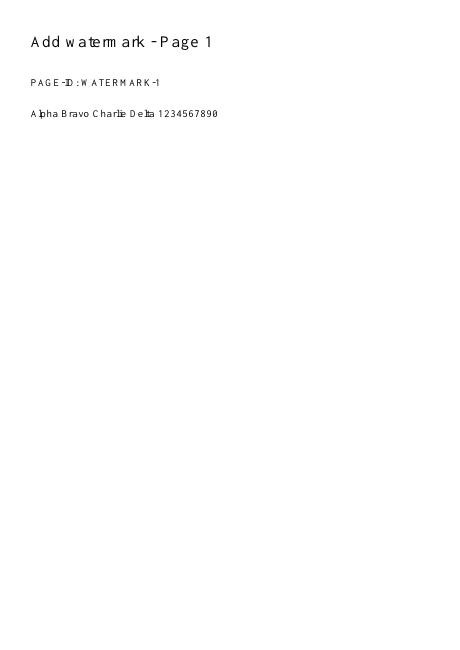
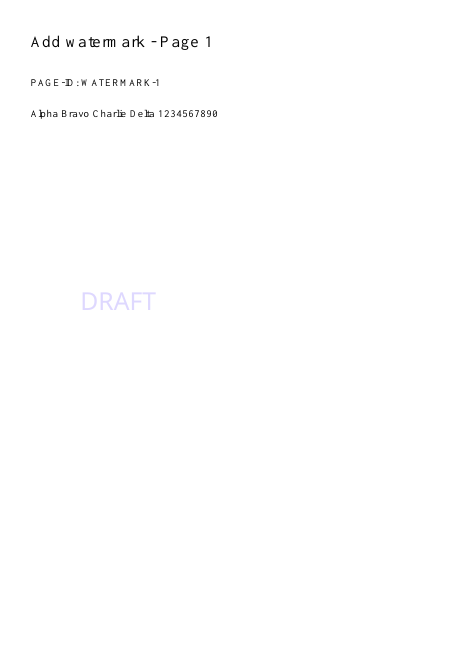
Settings used in this engine check
- text
- DRAFT
- quality
- compact
- angle
- 90
- margin
- 20
- start
- 1
- columns
- 2
Check the result
A watermark is a visual label, not encryption or an access-control mechanism.
Keep the original. When this task produces a file, reopen the download in the application where you will use it and inspect the affected pages. An illustration explains the operation; it is not a recorded processing test.
Practical tips
- Choose text, size, position, rotation and opacity where available. Avoid covering essential small print; inspect both portrait and landscape pages in a mixed pack.
- Lower opacity, reduce size or move it to a suitable position. A watermark should communicate status without making the document unusable.
- Check the exported result and available placement controls. Test on a page with a full-page image because layering may differ from a mostly textual page.
Questions
The label covers important text?
Lower opacity, reduce size or move it to a suitable position. A watermark should communicate status without making the document unusable.
The label appears behind existing artwork?
Check the exported result and available placement controls. Test on a page with a full-page image because layering may differ from a mostly textual page.
What is this tool useful for?
Label copies with a visible draft or ownership notice.
What should I check in the result?
A watermark is a visual label, not encryption or an access-control mechanism.