

Correct a back-page scan stored in reverse order
Correct backs scanned as B3, B2, B1 before alternating them with fronts A1, A2, A3; verify all six page pairings rather than just the first.
Open Reverse pages →Follow these steps
- Choose reverse-backs-input.pdf in Reverse pages. Confirm its labels are B3, B2, B1. Keep fronts-input.pdf separate.
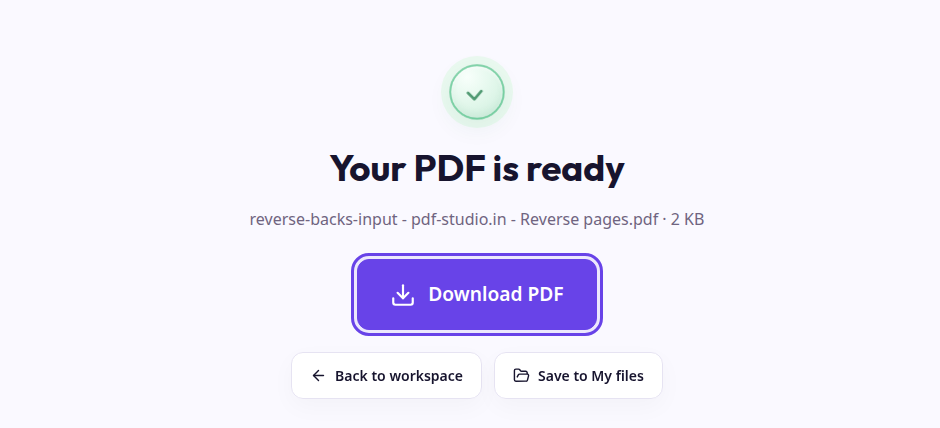
- Run Reverse pages and download the B1, B2, B3 result.
- Open Alternate & Mix. Choose fronts-input.pdf first, followed by the corrected backs result. Run the tool and check A1, B1, A2, B2, A3, B3.
Diagnose the scanner output before changing it
This synthetic fixture represents three front/back pairs. Fronts are already A1, A2, A3, but backs were captured B3, B2, B1. Reverse only the back stack. Reversing the already-correct fronts would destroy the pairing you are trying to establish.
Use a six-label acceptance check
After reversing backs, Alternate & Mix with fronts first must yield A1, B1, A2, B2, A3, B3. The engine check exports and independently reads all six labels. Without correcting backs, mixing those two original inputs would pair A1 with B3, which is wrong even though the total page count is six.
A missing back is not an order problem
If a scanner omits a blank back, later fronts and backs can shift even after reversal. Inspect the source stacks and restore the missing position deliberately before mixing. Equal page counts and synthetic labels do not prove a real scan has the right pairings; compare its actual content.
Reproduce this specific example
Settings: Reverse backs alone; then Alternate & Mix, fronts first
Expected labels: Backs: B1 → B2 → B3. Mixed: A1 → B1 → A2 → B2 → A3 → B3.
Reverse pages, in four moments
Get your document
Choose reverse-backs-input.pdf in Reverse pages. Confirm its labels are B3, B2, B1. Keep fronts-input.pdf separate.
An illustrated walkthrough, not a processing test. Reduced motion is on; choose each moment manually.
Check the result
Corrected backs: B1, B2, B3. Final alternating result: A1, B1, A2, B2, A3, B3.
Keep the original. When this task produces a file, reopen the download in the application where you will use it and inspect the affected pages. An illustration explains the operation; it is not a recorded processing test.
Practical tips
- Never combine front and back stacks before fixing the back order.
- Inspect all pairings in a short trial before processing a larger real scan.
Questions
Which file goes first in Alternate & Mix?
Fronts first, then corrected backs. Otherwise each pair starts with its back.
Will reversing fix a missing blank back?
No. Reversal changes order only. Investigate and restore the missing position before alternating.